13
301 vs 302 Redirect: Which to Use and When
A 301 is permanent and passes ranking signals. A 302 is temporary and keeps the original URL indexed. Here is when each is correct and how to check which one your server is actually sending.
A 301 is permanent, a 302 is temporary — and they cause completely different outcomes. Learn which one your situation actually calls for.
You move a page, set up a redirect, and wait for the rankings to follow. Weeks pass. The new URL never quite takes off, and the old one is somehow still sitting in the search results.
Nothing is broken, and adding more links to the new page will not help. You used a 302 where you needed a 301 — one digit in a status code, and the single most consequential digit in most site migrations.
Two Different Instructions
Both codes tell a browser the content lives somewhere else. What separates them is what they say about permanence, and search engines act on that distinction literally.
A 301 means moved permanently. Search engines drop the old URL from their index, replace it with the destination, and transfer the accumulated ranking signals — links, authority, history — to the new address.
A 302 means moved temporarily. Search engines keep the original URL indexed. They will serve the content from the destination, but the ranking signals stay attached to the URL that issued the redirect.
Browsers treat them differently too. A 301 is cached hard, often indefinitely, so a browser may stop asking your server entirely and jump straight to the destination on future visits. A 302 is not cached by default, so every visit produces a fresh request to the original URL.
That caching difference is why a 301 set up by mistake is painful to undo, and why a 302 is the safer choice when you are genuinely unsure.
Which One Your Situation Actually Calls For
The test is simple: will the original URL ever come back?
Use a 301 when the answer is no:
- Moving a page to a new URL permanently
- Migrating from HTTP to HTTPS
- Standardising on www or non-www
- Consolidating duplicate pages into one canonical version
- Rebranding to a new domain
- Removing /index.php or similar from your URL structure
- Merging an old blog post into a newer guide
Use a 302 when the answer is yes:
- A page temporarily down for maintenance
- A/B testing two versions of a page
- A seasonal campaign page that reverts afterwards
- Geographic or device redirects where the original URL should keep ranking
- Login redirects after authentication
- Anything you expect to undo within weeks
If the arrangement has lasted a quarter, it is not temporary anymore. Change it to a 301.
The Mistake I See Most Often
In eight years of auditing client sites, the single most common redirect error is a site migration built entirely on 302s.
It happens because 302 is the default in several places. Some frameworks issue 302 unless told otherwise. Some hosting panels default to it in their redirect interface. A developer sets up the rules, tests them in a browser, sees every page land where it should, and marks the job done.
Nothing appears broken. Visitors reach the right pages. The site works.
What is actually happening is that the ranking signals are sitting on URLs that no longer serve content, while the new URLs are treated as temporary stand-ins. Rankings drift down over the following weeks, and because nothing obvious broke, the cause is rarely the first place anyone looks.
If you have migrated a site in the last year and the traffic recovery never quite arrived, check the status codes before assuming the content was the problem. You can trace the full redirect chain for any URL and see exactly which code each hop returns.
What Actually Goes Wrong
The two errors are not symmetrical, and knowing which one you have made changes how you fix it.
Using a 302 when you meant a 301 is the more common mistake and the more damaging one. Your new URL never accumulates authority. The old URL stays indexed indefinitely. You spend months wondering why the migration did not take, and the fix is a one-line config change you could have made on day one.
Google will sometimes work out your intent and treat a long-lived 302 as permanent. It is not obliged to, and no migration should depend on that.
Using a 301 when you meant a 302 is rarer and harder to reverse. You have told every browser and crawler that the original URL is finished. Removing the rule does not undo the caching, and getting the original URL re-indexed can take considerably longer than the redirect took to set up.
Ranking signals do pass through a 301, but not for free. Each additional hop adds latency and increases the chance a crawler abandons the chain before reaching the destination. Our Redirect Checker traces every hop and shows the status code at each one, which is the quickest way to find out whether your one-hop redirect is actually three.
How to Check What You Are Really Sending
Intent and configuration diverge more often than people expect. A rule written as a 301 can be silently overridden by a plugin, a CDN edge rule, or a second directive further down the same config file.
Check the live response rather than the rule.
Our HTTP Status Code Checker returns the exact code any URL serves right now. If the result surprises you, the HTTP Headers Parser shows the full response, including the Location header, which tells you where the redirect is actually pointing.
From a terminal, curl -I https://example.com returns the headers. Add -L to follow the whole chain.
One caution: your browser may be showing you a cached result rather than a live one, particularly with 301s. A discrepancy between what a tool reports and what your browser does is usually caching, not a misconfigured server. Check in a private window before you start rewriting rules.
How to Implement Each One
Apache (.htaccess)
apache
Redirect 301 /old-page /new-page
Redirect 302 /old-page /new-page
Redirect without a code defaults to 302. If you wrote Redirect /old /new expecting permanence, you did not get it.
Nginx
nginx
rewrite ^/old-page$ /new-page permanent;   # 301
rewrite ^/old-page$ /new-page redirect;    # 302
Laravel
php
return redirect('/new-page', 301);   // permanent
return redirect('/new-page');        // 302 — the default
redirect() returns a 302 unless you say otherwise. This trips up a lot of migrations.
WordPress
Most redirect plugins expose the code in a dropdown. Check it rather than trusting the default — some default to 302, and it is not always obvious from the interface.
Cloudflare
Page Rules and Redirect Rules both offer a status code selector. An edge rule runs before your origin server sees the request, which means a Cloudflare rule can silently override the .htaccess directive you have been debugging for an hour.
What About 307 and 308?
These are stricter versions of the same idea, introduced to close an ambiguity in the original specification.
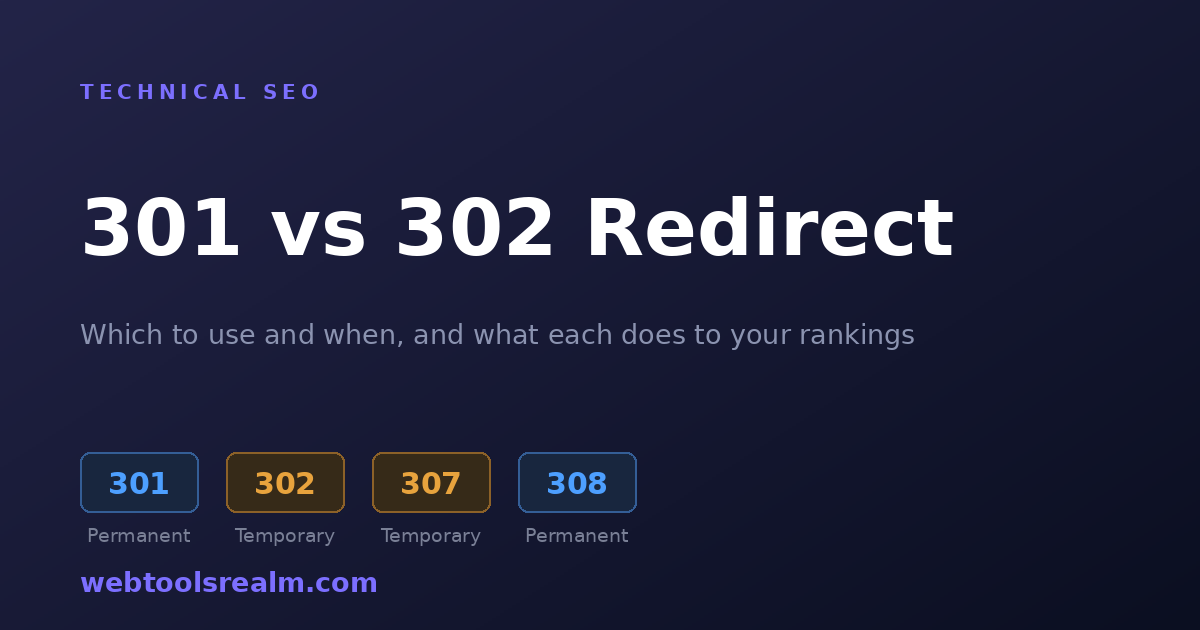
A 307 is a temporary redirect that guarantees the request method is preserved. A 308 is a permanent redirect with the same guarantee. Historically, some clients would convert a POST into a GET when following a 301 or 302, and 307 and 308 forbid that.
For ordinary page redirects, 301 and 302 remain the right choices and are universally understood. Reach for 307 or 308 when you are redirecting API endpoints or form submissions where the method genuinely matters.
Mistakes Worth Avoiding
In rough order of how often they cause real damage:
- Chaining redirects. HTTP to HTTPS as one rule, then non-www to www as another, produces two hops on every single request. Combine them into one rule that handles both.
- Redirecting everything to the homepage. When a section is retired, mapping every old URL to / tells search engines those pages had no specific replacement. Google frequently treats these as soft 404s and drops them. Redirect to the closest equivalent, or return a genuine 410.
- Leaving a 302 in place for months. The cost compounds quietly — the destination has been accumulating nothing the entire time.
- Forgetting the sitemap. A redirected URL should come out of your XML sitemap. Leaving it in sends crawlers to a URL you have already told them is gone.
- Not testing before deploying. A redirect loop on a live site takes it down completely. Every request bounces until the browser gives up. Confirm the codes on staging first.
Frequently Asked Questions
Does a 301 pass all the ranking value?
Most of it, in practice. Google has stated that PageRank is not diluted through 301s. What you can lose is time — reindexing takes weeks — and precision, if the destination is not a close match for what the original page covered.
How long should I keep a 301 in place?
Indefinitely, if you can. Once search engines have transferred everything and external links have updated, the load is negligible. Removing it years later will still break any remaining inbound links.
Can I change a 302 to a 301 later?
Yes, and you should if the change turned out to be permanent. Search engines pick up the new code on the next crawl. The cost is the delay — the destination accumulated nothing during the 302 period.
Why does my browser show the old page after I removed the redirect?
A cached 301. Test in a private window or clear the cache for that specific site. Your visitors will hit the same problem, which is the main reason to be cautious about setting 301s you are not certain about.
Does a redirect slow down my site?
Each hop is a full round trip, typically 100 to 300 ms depending on distance. One hop is unavoidable and fine. Three or more is worth fixing — point the first URL directly at the final destination.
The Short Version
A 301 is permanent and moves your rankings with the content. A 302 is temporary and leaves them behind. Ask whether the original URL will ever return: if no, use a 301; if yes, use a 302.
Check the live response rather than trusting the rule you wrote, because plugins, CDNs, and stray config lines override each other more often than anyone expects.
If a redirect is behaving in a way you cannot explain, our Redirect Checker will map the full chain and show you exactly where the unexpected hop is being introduced.
Written by Baleeghuddin Shaikh, SEO consultant with 8 years of experience in technical SEO and site diagnostics.
Contact
Missing something?
Feel free to request missing tools or give some feedback using our contact form.
Contact Us