07
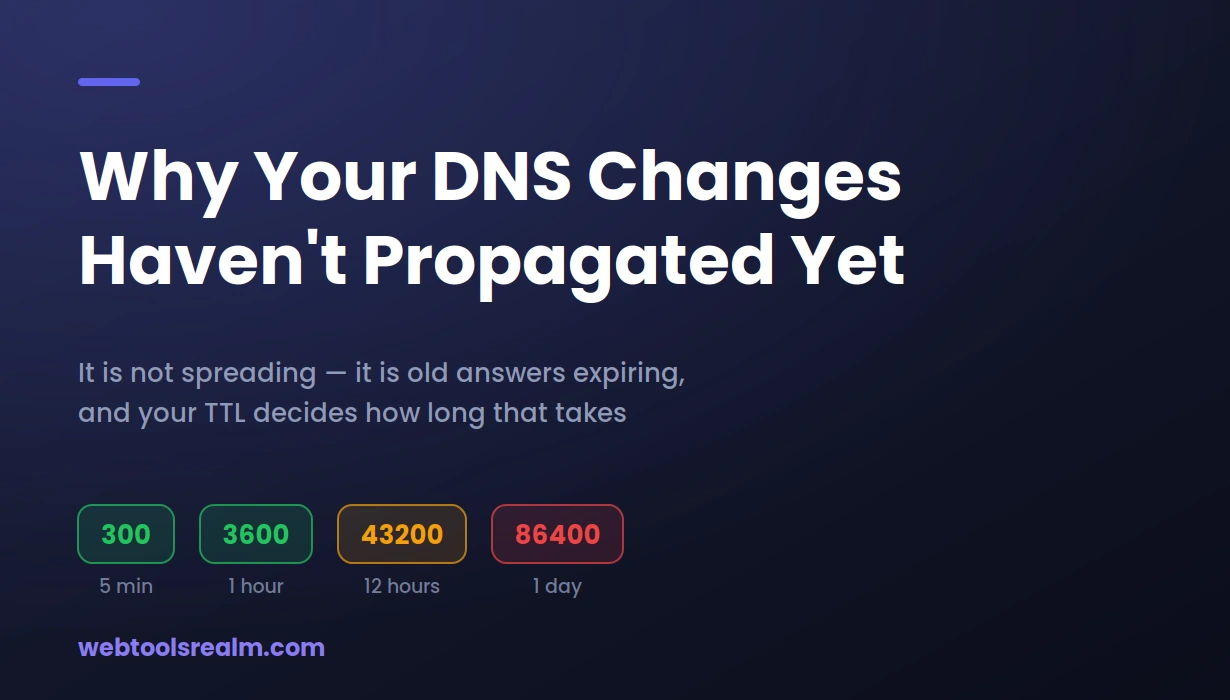
Why Your DNS Changes Haven't Propagated Yet
DNS changes rarely take 48 hours — and when they do, the delay is usually your own TTL or a cache you can clear. What actually happens after you update a record, and how to check it properly.
You updated the A record an hour ago. Your colleague can see the new site. You still get the old one. Someone tells you to wait 48 hours, and that is where most people leave it.
The 48-hour figure has been repeated so long that it now hides more than it explains. DNS changes usually take minutes, not days. When they genuinely drag on, there is almost always a specific reason — and most of the time it is a value you set yourself, or a cache sitting on your own machine.
Propagation Is Not What the Word Suggests
The word makes it sound like your change spreads outward from your registrar, reaching more of the internet over time. That is not how it works.
Nothing is pushed anywhere. Your change takes effect immediately at your nameservers. What creates the delay is that thousands of independent resolvers around the world are still holding a copy of the old answer, and each will keep serving it until its own copy expires.
- Your nameservers hold the authoritative record. This updates the moment you save.
- Recursive resolvers — your ISP's, Google's 8.8.8.8, Cloudflare's 1.1.1.1 — each hold a cached copy with its own countdown.
- Your operating system keeps its own cache, independent of the browser.
- Your browser keeps yet another one on top of that.
So "propagation" is really just expiry. Nothing spreads; old answers simply run out. And because every resolver started its countdown at a different moment, they expire at different times. That is exactly why one person sees the new site while another still gets the old one.
TTL Is the Number That Decides Everything
Every DNS record carries a TTL — time to live — measured in seconds. It tells resolvers how long they may cache the answer before asking again.
A record with a TTL of 3600 can be cached for an hour. One set to 86400 can be cached for a full day. This single value controls almost everything about how long your change takes to be visible.
Here is the part that catches people out. The TTL that matters is the old one, not the new one.
If your record was sitting at 86400 and you change both the value and the TTL at the same time, resolvers that already cached the old record are still working to the old 86400. Lowering the TTL now does nothing for them. It only affects resolvers that ask for fresh.
The mistake I see most often is lowering the TTL at the same moment as making the change, and then being surprised that nothing moved faster. By that point it is already too late — the caches you are waiting on were populated under the old value. The TTL has to be lowered in advance to be of any use.
The right sequence for a planned migration is to lower the TTL to 300 first, wait for the old TTL to fully elapse so every cache picks up the shorter value, and only then make the actual change. Once everything has settled, raise it back.
Nameserver Changes Are a Different Case
Changing an A record and changing your nameservers are not the same operation, and they do not take the same time.
A record changes are governed by that record's TTL, and are often visible within minutes. Nameserver changes happen at the registry level and involve the TLD's own servers. They typically take longer — a few hours is common, and this is the case where the 24 to 48 hour advice has some basis.
There is also a trap specific to nameserver changes. When you point a domain at new nameservers, the DNS records at the new host need to exist before you switch. If they do not, resolvers that pick up the change early will ask the new nameservers, get nothing useful, and cache that failure. Set up the zone at the new provider first, verify it answers correctly, then change the nameservers at the registrar.
How to Actually Check, Instead of Guessing
Reloading your own browser tells you almost nothing. Your browser, your OS, and your ISP resolver are three caches stacked on top of each other, and any one of them can show you a stale answer long after the change is live everywhere else.
1. Query the authoritative source first
Before anything else, confirm the change actually saved. A DNS lookup run from outside your network shows what the record currently resolves to, and lets you check A, MX, TXT, and NS records individually. If the new value is not there, no amount of waiting will help — the change never took.
2. Check the TTL still counting down
The lookup will also show the remaining TTL. That number is your actual answer to "how long do I have to wait" — far more useful than any generic estimate. When it reaches zero, that resolver asks again.
3. Flush your local caches
On Windows, run ipconfig /flushdns in Command Prompt. On macOS, run sudo dscacheutil -flushcache. Then restart the browser, since Chrome maintains its own cache separately from the operating system.
4. Test from a network you do not control
Switch to mobile data. This uses a completely different resolver chain and is the fastest way to tell whether the internet has your change or only your office has the old one.
5. Confirm the destination is actually serving
If DNS is resolving correctly but the site still will not load, DNS is no longer your problem. Check whether the server is responding at all — a correct record pointing at a server that is not configured for the domain produces the same symptom as a DNS failure.
What Realistically Takes How Long
- A, CNAME, TXT records — governed by the record's TTL. With a 300-second TTL, minutes. With 86400, up to a day.
- MX records — same TTL rules, but the consequences differ. Mail does not fail; sending servers retry for days, so messages queue rather than bounce.
- Nameserver changes — usually a few hours, occasionally longer. This is the genuine 24 to 48-hour case.
- New domain registration — often live within an hour, sometimes faster.
Migrating a site recently, I had the new server responding correctly while my own machine kept loading the old one for hours after everyone else had moved across. It was a local DNS cache, not propagation — flushing it fixed instantly what I had assumed was a wait. Checking your own machine last is a reliable way to waste an afternoon.
When It Is Genuinely Stuck
If a change has not appeared well past the old TTL, stop waiting and start checking.
- The record did not save. Registrars sometimes require a separate confirmation step. Verify with an external lookup, not the control panel.
- You edited at the wrong provider. If your nameservers point to a host or CDN, records edited at the registrar are being ignored entirely. Check the NS record to see who is actually authoritative.
- A conflicting record exists. An old A record left alongside a new CNAME, or duplicate entries for the same hostname, produce unpredictable results.
- A proxy is in the way. If a service like Cloudflare is proxying the record, DNS resolves to their IP, not yours. That is intended behaviour and not a propagation failure.
- Your ISP ignores TTLs. Some resolvers cache longer than instructed. Testing against 8.8.8.8 or 1.1.1.1 will show whether the rest of the internet has moved on without your ISP.
Frequently Asked Questions
How long does DNS propagation actually take?
For most record changes, minutes to a few hours, governed by the TTL that was set before the change. Nameserver changes take longer, typically a few hours. The 48-hour figure is a worst case, not a normal one.
Can I speed up propagation?
Not after the fact. Once resolvers have cached the old value, they will hold it for the TTL that was in force at the time. The only real lever is lowering the TTL in advance of a planned change. You can flush your own caches, but that only fixes what you see.
Why does the site work for my colleague but not for me?
You are using different resolvers, or your local cache has not expired. Flush your DNS cache and try mobile data. If it works there, the change is live, and only your machine is behind.
Do I need to change anything at my registrar if I use external nameservers?
No. Once your nameservers point to a host or DNS provider, all record changes happen there. Editing records at the registrar in that situation has no effect, which is a common source of confusion.
Will email stop working while DNS changes?
Unlikely. Sending servers retry for several days when they cannot deliver, so mail queues rather than bouncing. The risk is not lost mail, but delayed mail, and having both old and new servers accept mail during the transition avoids most of it.
The Short Version
Propagation is not something spreading — it is old answers expiring, and the TTL you set beforehand decides how long that takes. Lower it in advance, check from outside your own network, and flush your local cache before assuming you are still waiting on the internet.
Written by Baleeghuddin Shaikh, SEO consultant with 8 years of experience in technical SEO and site diagnostics.
Contact
Missing something?
Feel free to request missing tools or give some feedback using our contact form.
Contact Us