25
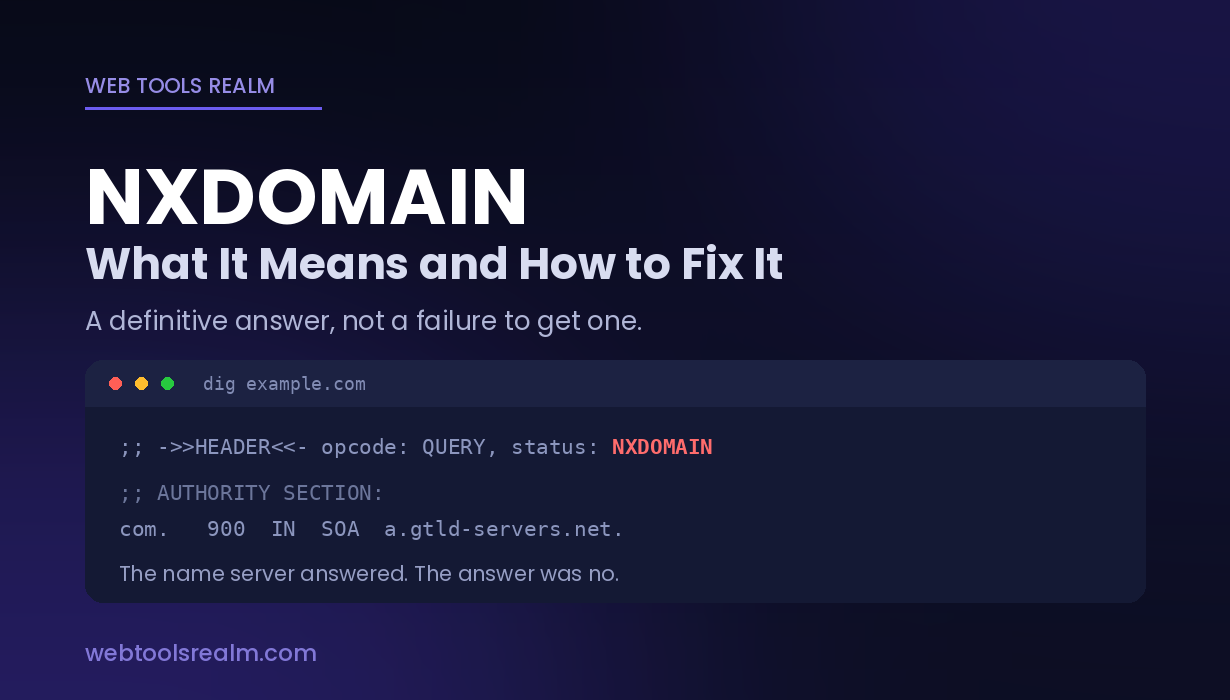
NXDOMAIN — What It Means and How to Fix It
NXDOMAIN means the resolver says the domain does not exist. Here’s what actually produces it, how it differs from SERVFAIL, and why it sticks around after a fix.
NXDOMAIN is a DNS response code. It means one specific thing:
The resolver asked an authoritative name server about this domain, and the authoritative server replied that the name does not exist.
Not “the server didn’t answer.” Not “something went wrong.” A definitive, authoritative no.
That distinction is what makes NXDOMAIN useful. Unlike most failures, it tells you the answer came back, and the answer was negative — which rules out half the things people usually go looking for.
Where You Will See It
The same response surfaces differently depending on who asked the question:
dig example.com
;; ->>HEADER<<- opcode: QUERY, status: NXDOMAIN, id: 42531nslookup example.com
** server can't find example.com: NXDOMAINcurl https://example.com
curl: (6) Could not resolve host: example.comping example.com
ping: example.com: Name or service not known
Ping request could not find host example.com
In browsers:
- Chrome and Edge — DNS_PROBE_FINISHED_NXDOMAIN
- Firefox — “Hmm. We’re having trouble finding that site.”
- Node.js — getaddrinfo ENOTFOUND example.com
A related but different Chrome error, ERR_NAME_NOT_RESOLVED, means the lookup failed without a definitive NXDOMAIN — often a resolver that never answered at all.
What Actually Causes It
In rough order of how often each turns out to be the cause.
A typo in the hostname
The dullest cause and the most common one. example.com produces a perfectly valid NXDOMAIN, because that name genuinely does not exist. Check the spelling before anything else, including the TLD — .co and .com are different domains owned by different people.
The record was never created, or was deleted
The domain exists; the specific hostname does not. shop.example.com returns NXDOMAIN while example.com resolves fine, because nobody ever created the shop record — or someone removed it during a cleanup.
This is the single most common cause on domains you control. NXDOMAIN applies to the name, not the domain as a whole.
The domain expired
Registration lapsed, and the registrar pulled the name servers. A WHOIS lookup settles this in seconds — check the expiry date and the domain status.
If the status shows clientHold or serverHold, the domain has been removed from the zone deliberately, usually for non-payment or an abuse complaint. It will return NXDOMAIN no matter how many times you flush your cache. Why WHOIS data is redacted covers how to read those status codes.
Name servers are wrong or not yet delegated
A newly registered domain whose name servers have not propagated, or a domain pointed at name servers that have no zone for it, both return NXDOMAIN. The parent zone has no idea where to send queries, so the answer is that the name does not exist.
Your resolver is filtering it
Some ISPs, corporate networks, and filtering DNS services (OpenDNS, Pi-hole, NextDNS) return NXDOMAIN for blocked domains rather than an error. From the client’s point of view, it is indistinguishable from a domain that never existed.
The giveaway: it works on a VPN, on mobile data, or against a public resolver, and fails on your normal connection.
DNSSEC misconfiguration
A broken signature chain can cause validating resolvers to refuse the answer. This usually produces SERVFAIL rather than NXDOMAIN, but certain misconfigurations — particularly a bad NSEC/NSEC3 chain — can surface as NXDOMAIN on some resolvers and work fine on others.
NXDOMAIN vs SERVFAIL vs NOERROR
These three get conflated constantly, and they point in completely different directions.
NXDOMAIN — the name does not exist. An authoritative server said so. The problem is the name, or the records behind it.
SERVFAIL — the resolver could not get an answer. The name server was unreachable, timed out, or returned something invalid. The domain may well exist. The problem is the DNS infrastructure, not the name.
NOERROR with an empty answer — the name exists, the server answered correctly, and there is simply no record of the type you asked for. A domain with an A record but no MX returns NOERROR for an MX query, with nothing in the answer section. Mail fails; the website works.
The practical difference: NXDOMAIN and NOERROR are definitive answers. SERVFAIL means try again, possibly against a different resolver.
Why It Persists After You Fix It
This catches people out constantly. You create the missing record, and the error continues for hours.
DNS caches negative answers as well as positive ones. When a resolver receives NXDOMAIN, it remembers it — and the duration is controlled by the minimum TTL field in the domain’s SOA record, not by the TTL of the record you just created.
If the SOA minimum is 3600, every resolver that asked during the broken window will keep returning NXDOMAIN for up to an hour after you fix it, without re-asking.
What you can do:
- Flush your local cache: ipconfig /flushdns on Windows, sudo dscacheutil -flushcache on macOS, sudo systemd-resolve --flush-caches on Linux
- Query the authoritative name server directly, bypassing every cache: dig example.com @ns1.yourprovider.com
- Lower the SOA minimum before making DNS changes, not after
What you cannot do is flush other people’s resolvers. Their cache expires on its own schedule.
How to Diagnose It
1. Check the spelling. Including the TLD. Thirty seconds, and it resolves a meaningful share of cases.
2. Query a public resolver and compare.
nslookup example.com 1.1.1.1
nslookup example.com
Public resolver answers but yours returns NXDOMAIN → your resolver is filtering or holding a stale negative cache entry. Both return NXDOMAIN → the name genuinely does not resolve anywhere.
3. Test the parent domain separately. If shop.example.com fails but example.com works, the domain is fine, and a specific record is missing. This is a different problem with a different fix.
4. Check the records that do exist. A DNS lookup shows A, AAAA, CNAME, MX, NS, and TXT records in one pass, from outside your network. If NS records come back but your hostname does not, the delegation is working, and the record is simply absent.
5. Check the domain’s registration. A WHOIS lookup shows the expiry date and status codes. An expired domain or one on hold explains everything else you are seeing.
6. Query the authoritative server directly if you have just made a change, to see what the source of truth actually holds rather than what caches remember.
Frequently Asked Questions
What does NXDOMAIN mean?
It is a DNS response code meaning the queried name does not exist. An authoritative name server was asked about it and replied definitively that there is no such name.
How do I fix NXDOMAIN?
It depends on the cause. Check the spelling, confirm the DNS record exists, verify the domain has not expired, and test against a public resolver to rule out filtering. If you have just created the record, you are likely waiting out a cached negative response.
Is NXDOMAIN the same as SERVFAIL?
No, and they point in opposite directions. NXDOMAIN means the name does not exist and the answer was authoritative. SERVFAIL means no usable answer came back at all — the domain may exist perfectly well while its name servers are unreachable or misconfigured.
Why does NXDOMAIN appear even though the website works for other people?
Usually your resolver is filtering it, or holding a stale negative cache entry. Query 1.1.1.1 or 8.8.8.8 directly and compare. If the public resolver answers and yours does not, the problem is your resolver, not the domain.
How long does NXDOMAIN stay cached?
As long as the minimum TTL in the domain’s SOA record allows — commonly between 5 minutes and an hour, sometimes longer. Flushing your own cache helps you, but other people’s resolvers expire on their own schedule.
Can a domain return NXDOMAIN but still have a working website?
Only if you are querying the wrong name. www.example.com can return NXDOMAIN while example.com loads perfectly, because they are separate records and the www one was never created.
The Short Version
NXDOMAIN is a definitive answer, not a failure to get one: an authoritative server said the name does not exist. That rules out unreachable servers and narrows it to the name itself — a typo, a record that was never created, an expired domain, or a resolver filtering it. If you just fixed it and it persists, you are waiting out a cached negative response governed by the SOA minimum TTL, not by the record you added.
Contact
Missing something?
Feel free to request missing tools or give some feedback using our contact form.
Contact Us