14
Website Migration Checklist — Every Step With the Check That Proves It
A migration checklist where every item comes with the verification that proves it worked and the symptom that shows it failed. Covers redirects, DNS TTL, canonicals, and SSL.
Most migration checklists tell you what to do. Very few tell you how to confirm you actually did it — and that gap is where migrations fail. The redirect rule that was written but never applied, the noindex that was removed on staging but not on production, the certificate that works on the root domain but not on www: each of these passes a visual inspection and fails a real one.
So this checklist is built differently. Every item has three parts:
- Do — the task
- Verify — the specific check that proves it is in place
- Failure looks like — the symptom you will see if it is not
Work through it in order, and you will never be in the position of believing something is done because someone said it was.
Before Anything Else: Sort Tasks by Reversibility
Not every mistake costs the same. Some can be fixed in an afternoon months later. Others cannot be fixed at all once the moment passes.
Cannot be recovered later:
A crawl of the old site. Once the old site is gone, the record of what URLs existed, what they ranked for, and what they linked to is gone with it. Export before you touch anything.
Expensive to fix later:
The redirect map. Fixable in principle, but every week a redirect is wrong is a week of lost signals and lost visitors, and recovery takes longer than the damage took.
Cheap to fix later:
Compression settings, security headers, meta description wording, sitemap formatting. Important, but not urgent. If time is short, these are what you postpone — not the two categories above.
This ordering matters more than the length of your checklist. A short migration done in the right order beats a long one done in the wrong one.
Before Launch
1. Export the old site completely
Do: Crawl the live site and export URLs, status codes, titles, H1s, canonical tags, and internal link counts. Separately export your top pages by traffic from Analytics and by impressions from Search Console, covering at least twelve months. Export your backlink data, sorted by referring domains per page.
Verify: Your export has at least as many URLs as your XML sitemap lists. If the crawl found fewer, it was blocked somewhere, and the export is incomplete.
Failure looks like: Three months after launch, nobody can tell you what the old URL for a page was, and 404s arrive from URLs that nobody recognises.
2. Build a one-to-one redirect map
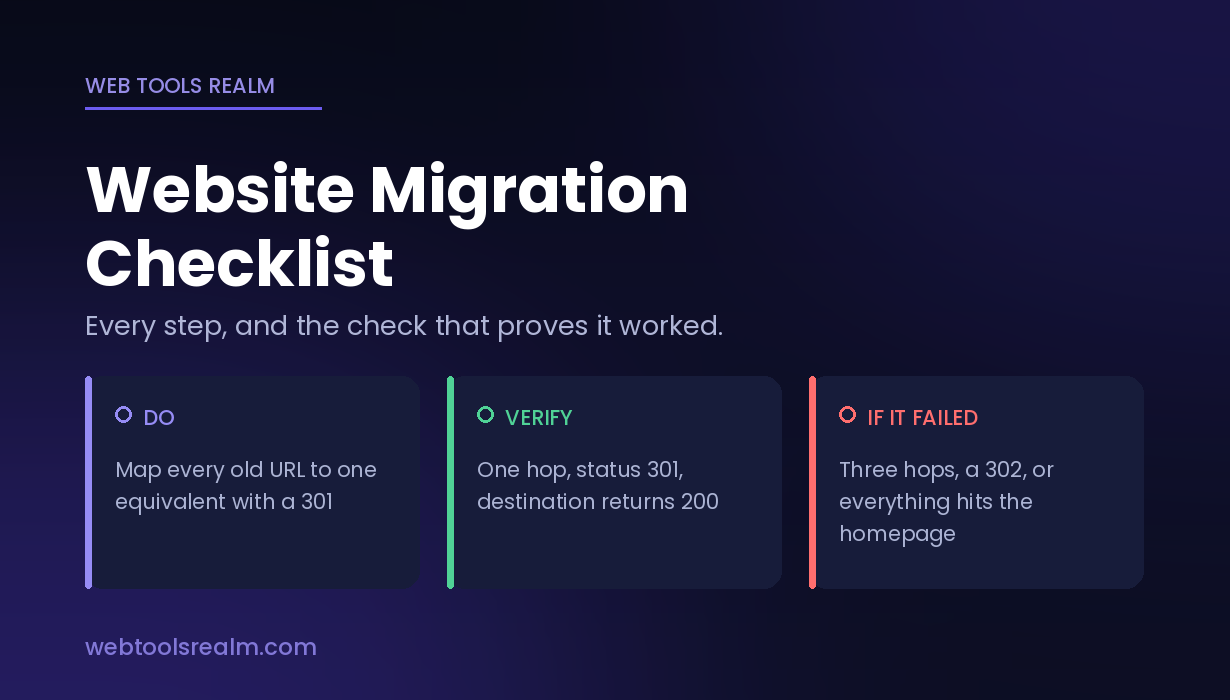
Do: Map every old URL to its closest equivalent on the new site. Use 301, not 302 or 307. Flatten any chain so each old URL reaches its destination in a single hop.
Verify: Run a sample of mapped URLs — your highest-traffic pages, your most-linked pages, and a random selection — through a redirect checker on the staging environment if possible, and on production the moment it is live. You want exactly one hop, status 301, landing on a page that returns 200.
Failure looks like: The checker shows two or three hops before the destination, or shows a 302, or lands on the homepage instead of a specific page. If you are unsure which status code you should be returning, the difference between 301 and 302 redirects settles it before you write the rules.
A note on mass redirects: sending every old URL to the homepage is the standard shortcut, and it does not work. Search engines treat an irrelevant redirect as a soft 404, and the signals you were trying to preserve are not passed. One-to-one or nothing.
3. Lower the DNS TTL
Do: Three to five days before the move, reduce the TTL on your A record or CNAME to 300 seconds.
Verify: Run a DNS lookup and read the TTL value in the response. Do not trust the control panel — read what resolvers are actually being told.
Failure looks like: Some visitors continue reaching the old server for up to a full day after the switch, producing a confusing mix of old and new behaviour that looks like an intermittent fault.
Raise the TTL back to its normal value a week after launch, once the move is stable.
4. Block staging from indexing — and schedule its removal
Do: Protect the staging site with HTTP authentication or an X-Robots-Tag: noindex header. Then write the removal of that block into the launch sequence as a numbered step, not as something to remember.
Verify: Request a staging URL and read the response headers for X-Robots-Tag. A Disallow line in robots.txt is not equivalent — it asks crawlers not to fetch the page, which does not reliably keep the URL out of the index when something links to it.
Failure looks like: Either staging URLs appearing in search results before launch, or — far worse — the live site disappearing from search within days because the block travelled to production. The symptom of the second is unmistakable: traffic falls to near zero across every page simultaneously, within about a week.
5. Point canonicals forward
Do: Confirm every canonical tag on the new site points to the new URL.
Verify: On staging, check the canonical tag on a sample of templates — homepage, a category page, a deep content page, a paginated page. Each should reference the new domain and the new path.
Failure looks like: Rankings do not transfer, and the old URLs stay indexed despite working redirects. A canonical pointing at the old domain tells search engines the old version is authoritative, which cancels the migration one line at a time.
6. Install and test the certificate before you need it
Do: Install the certificate for the new domain or server, with the full chain including intermediates, covering both the root domain and the www version.
Verify: Run an SSL check against both example.com and www.example.com. Confirm the chain is complete, the names covered include both forms, and the expiry date is what you expect.
Failure looks like: A browser warning the moment real traffic arrives. The most common version is a certificate covering the root domain but not www, and it only shows up on the form you didn't test. SSL certificate errors explained covers what each warning means.
7. Check the new site’s technical furniture
Do: Confirm the XML sitemap lists new URLs only; robots.txt is the production version; structured data survived the template change; analytics tracking is on every template, including conversion pages; hreflang tags, if used, point at new URLs on both sides.
Verify: Open the sitemap and search it for the old domain — zero results expected. Load a page from each template with analytics debugging enabled and confirm the hit fires.
Failure looks like: A traffic “drop” after launch that is purely a reporting gap, because tracking is missing from some templates. This costs about a week of investigating a problem that does not exist.
Launch Day
In order:
- Put the new site live and enable redirects. Verify: spot-check your mapped URLs with a redirect checker from outside your network — your own browser may be showing you a cached redirect rather than a live one
- Remove the indexing block. Verify: fetch the homepage and read the response headers for X-Robots-Tag. Check it, do not assume it
- Confirm the certificate is serving. Verify: SSL check on root and www
- Confirm key templates return 200. Verify: website status check on the homepage, a category page, and a deep page
- Submit the new XML sitemap in Search Console
- File the Change of Address in Search Console from the old property — domain changes only, and frequently skipped
- Leave the old sitemap reachable for several weeks. It is the fastest route for crawlers to rediscover old URLs and find the redirects waiting there
After Launch
Week one — verify, do not watch
Server behaviour. New infrastructure under real traffic is not the same as staging under none. Verify response times and confirm nothing is intermittently failing with a status check on your main templates.
Compression. Server-level settings do not travel with a site. Verify with a gzip test. Failure looks like every page being two to four times heavier than it was, with no visible change on screen.
Response headers. Compare the new server’s headers against the old ones you exported — caching directives, security headers, HSTS. Verify with an HTTP headers check. These vanish silently, and nobody notices for months.
Status codes at scale. Pull the Search Console coverage report daily. Some 404s are expected; a flood means gaps in the redirect map—spot-check individual URLs with an HTTP status code checker.
Weeks two to six — know what normal looks like
A dip is expected. On a clean domain migration, it is typically 10–25%, recovering within four to eight weeks. On an HTTPS-only migration, it should barely register. On a platform change that preserves URLs, it should be minimal.
What tells you it is working: the old property’s indexed page count falling while the new one’s rises. If the old count is not falling, crawlers are not seeing your redirects, and that is a fault rather than a phase.
What tells you something is wrong: traffic down more than half after three weeks and flat. Check in this order — indexing first (is the site indexable at all), then redirects (are they one hop and correct), then canonicals (do they point forwards).
Monitor at page level rather than site level. A site-wide average hides the thing you need: whether specific pages lost position, which points at those pages’ redirects, rather than at a site-wide cause.
The Failure Symptoms, Reversed
Sometimes you inherit a migration that already went wrong. Reading the symptom backwards is faster than auditing everything:
- All pages lost traffic at once, within a week → indexing block left on, or robots.txt blocking everything
- Rankings did not transfer, but the site is indexed → canonicals pointing at the old domain, or 302s instead of 301s
- Some pages recovered, others did not → gaps in the redirect map, affecting specific sections
- Traffic recovered, but conversions did not → analytics or tracking broken, not a search problem at all
- Pages load but look wrong → mixed content after an HTTPS migration; assets still on http://
- Everything slowed down → compression or caching not carried over to the new server
- Intermittent failures for some visitors only → DNS TTL was never lowered; some resolvers still hold the old record
Frequently Asked Questions
How long should redirects stay in place?
At minimum, a year, ideally permanently. Signals transfer over repeated crawls, not in one pass, and external links to old URLs keep sending real people for years. Removing redirects after a few months discards the thing the migration was protecting.
How do I know whether my redirects are actually working?
Test from outside your own network and look for a single hop. Your browser caches redirects aggressively, so a redirect that appears to work for you may be a cache entry rather than a server response. A redirect checker shows the full chain with each status code, which is what you need to see.
How much traffic should I expect to lose?
A clean domain migration dips 10–25% and recovers in four to eight weeks. HTTPS-only migrations should barely register. If you are down more than half after three weeks with no recovery trend, treat it as a fault and start with indexing.
301 or 302 for a migration?
- A 302 signals a temporary move, so the old URL stays indexed and signals are not transferred. The only case for a 302 is a move you intend to reverse.
Do I need the Change of Address tool?
Only for a domain change — not for HTTPS or URL changes on the same domain. Where it applies, use it: it is a direct declaration rather than something inferred slowly from your redirect pattern.
What if the old site is already gone and I have no crawl?
Recover what you can from the Wayback Machine, any surviving copy of the old sitemap, server access logs, and the URLs still listed in Search Console for the old property. This is slower and less complete than an export, which is precisely why the export is the one task that cannot be postponed.
The Short Version
The redirect map is the migration; everything else is logistics. Map every old URL to one equivalent with a single 301, lower your DNS TTL days ahead, and on launch day verify rather than assume — that the indexing block is gone, that canonicals point forwards, and that the certificate covers both root and www. Expect a dip of a few weeks. A drop that does not recover is a fault, not a phase.
Written by Baleeghuddin Shaikh, SEO consultant with 8 years of experience in technical SEO and site diagnostics.
Contact
Missing something?
Feel free to request missing tools or give some feedback using our contact form.
Contact Us