07
Email Not Arriving? Check MX, SPF, DKIM and DMARC First
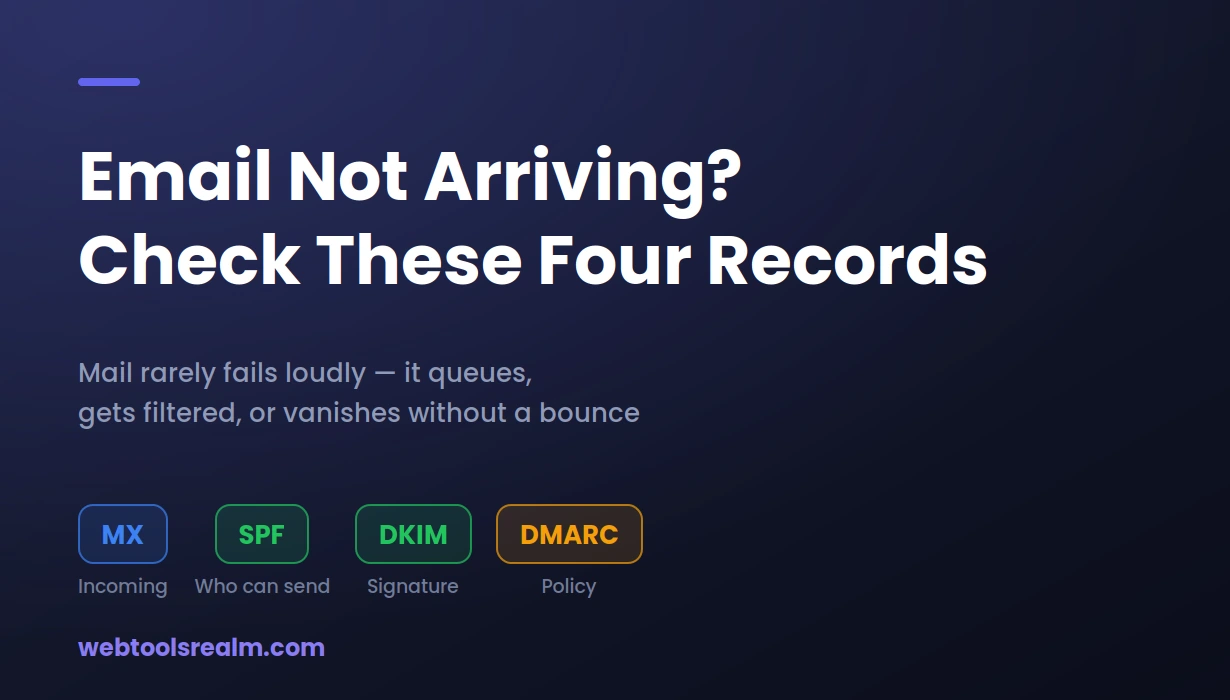
Email rarely fails loudly. Messages queue, land in spam, or vanish without a bounce — and the cause is usually one of four DNS records. What each one does, and the SPF mistake that breaks the most inboxes.
A client tells you they never received your email. You check your Sent folder, and it is there. No bounce message, no error, spam, nothing. As far as your mail server is concerned, the message left successfully.
This is the part that makes email troubleshooting so frustrating: it usually fails quietly. A page that will not load announces itself immediately. An email that will not arrive looks identical to one that did, right up until someone notices they never got a reply.
Almost every case comes down to four DNS records, and to one specific mistake that breaks more setups than the rest combined.
Why Email Fails Without Telling Anyone
There are three different failure modes, and they look nothing alike from the sender's side.
- Rejected outright. The receiving server refuses the message and returns a bounce. This is the best case, because at least you find out.
- Accepted, then filtered. The server takes the message and drops it in spam, or quarantines it silently. No bounce is generated. The sender has no idea.
- Queued indefinitely. The sending server cannot reach a destination at all, so it holds the message and retries. Most servers retry for several days before giving up.
That last one matters more than people realise. When MX records are wrong or missing, mail does not usually bounce straight away — it queues. So a broken MX record can look like "email is slow today" for two days, and then produce a flood of bounces at once when the retry window finally expires.
What Each Record Actually Does
- MX tells other mail servers where to deliver mail for your domain. Without it, or with it pointing somewhere wrong, incoming mail has nowhere to go.
- SPF is a TXT record listing which servers are allowed to send mail as your domain. Receiving servers check the sending IP against this list.
- DKIM adds a cryptographic signature to outgoing mail. The receiver looks up your public key in DNS and confirms the message was not altered in transit.
- DMARC is the policy layer. It tells receiving servers what to do when SPF or DKIM fails, and where to send reports about it.
The division of labour matters when diagnosing. MX problems affect mail coming in. SPF, DKIM, and DMARC problems affect mail going out. If your clients are not receiving your mail, MX is not your issue. If you are not receiving theirs, it probably is.
The Mistake That Breaks the Most Setups
A domain may have exactly one SPF record. Not one per service — one in total.
The specification is unambiguous about this, and receiving servers enforce it. When a domain publishes two SPF records, the result is not that both are checked. The check returns a permanent error, and both are effectively ignored.
This is easy to trigger without noticing. You set up Google Workspace, which gives you an SPF record. Months later you add Mailchimp for newsletters, and their setup guide gives you an SPF record too. You add it as a new TXT entry, because that is what the instructions appear to say. Now you have two, and your mail authentication is worse than before you started.
The correct approach is to merge them into a single record using include: for each service:
v=spf1 include:_spf.google.com include:servers.mcsv.net ~all
One record, multiple includes, one all mechanism at the end.
The pattern I run into repeatedly is someone adding a new sending service and creating a second SPF record for it, because every provider's documentation shows their record in isolation and none of them mention that you might already have one. Nothing breaks visibly on the day it is added. The deliverability decline shows up weeks later and gets blamed on content or list quality instead.
There is a second SPF limit that catches people later. An SPF record may trigger a maximum of ten DNS lookups when evaluated. Each include counts, and includes that contain their own includes count too. Add four or five services, and you can quietly exceed the limit, at which point the record fails for everyone — with no warning and no bounce.
How to Check, Step by Step
1. Confirm the MX records exist and point somewhere real
Run a DNS lookup on your domain and check the MX records specifically. You are looking for hostnames belonging to your actual mail provider, with sensible priority values. If MX records are missing entirely, incoming mail has nowhere to go.
Watch for leftovers from a previous provider. An old MX record sitting alongside a new one with a lower priority number will win, and mail will be delivered to a server nobody monitors anymore.
2. Check that you have exactly one SPF record
Look at the TXT records for your domain. Count the entries beginning v=spf1. If there is more than one, that is your problem, and merging them will fix more than you expect.
While you are there, check the ending. ~all is a soft fail, -all is a hard fail, and +all means anyone may send as your domain — which defeats the entire purpose and does occasionally appear in real setups by accident.
3. Verify DKIM is actually published
DKIM records live at a selector, so you need to query the right hostname — something like google._domainkey.yourdomain.com. Your provider tells you which selector they use. If nothing resolves there, DKIM signing is not working regardless of what your mail provider's dashboard claims.
4. Read your DMARC policy carefully
Check the TXT record at _dmarc.yourdomain.com. The p= value is what matters: p=none monitors only, p=quarantine sends failures to spam, and p=reject refuses them outright.
Publishing p=reject before you know what is sending mail as your domain is the fastest way to break your own email. Almost every organisation has more legitimate senders than it remembers — a CRM, an invoicing tool, a booking system, a plugin on the website. Set p=none with a reporting address first, read the reports for a few weeks, authorise everything legitimate, and only then tighten the policy.
5. Read the actual bounce message
When you do get a bounce, the useful information is in it, usually near the bottom and usually ignored. It will name the receiving server, the SMTP status code, and often the exact reason. A 550 with a policy reference is a very different problem from a 421 timeout.
6. Rule out the server itself
If mail is failing alongside other symptoms, confirm the domain is healthy in general. Check that the site is responding and that DNS resolves correctly — a domain that has expired or had its nameservers changed will take email down along with everything else.
Matching the Symptom to the Cause
- Nothing arrives at all, no bounces yet. MX records missing or wrong. Mail is queuing at the sender.
- Everything bounces immediately. MX points to a server that actively refuses the domain, or the domain does not resolve.
- Your mail lands in recipients' spam folders. SPF or DKIM is failing, or a DMARC policy of p=none gives receivers no reason to trust you.
- Only mail from one particular service goes missing. That service is not authorised in SPF, or you have exceeded the ten-lookup limit.
- Mail worked until recently; nothing changed. Something did change — a new sending service, a DNS edit, or a provider updating their SPF include. Check the records rather than trusting memory.
After Changing MX Records
MX changes are governed by the record's TTL, exactly like any other DNS change. If the TTL was set high, sending servers will keep using the old value until their cache expires. This is covered in more detail in our guide to why DNS changes take time to appear.
The saving grace with email is the retry behaviour. Because sending servers hold and retry rather than discarding, a migration done carefully rarely loses mail. Keep the old mailbox accepting mail during the transition, and anything delivered to the old server can still be collected.
Frequently Asked Questions
How long does an MX record change take to work?
It depends on the TTL that was set before the change, usually somewhere between minutes and a day. Mail sent during the transition queues and retries rather than bouncing, so messages are delayed rather than lost.
Can I have more than one MX record?
Yes, and most setups should. Multiple MX records with different priority values provide failover — the lowest number is tried first, and higher numbers act as backups. This is different from SPF, where only one record is permitted.
I have an SPF record, but my mail still goes to spam. Why?
SPF alone is a weak signal. Receiving servers weigh DKIM, DMARC, your sending IP's reputation, engagement history, and content together. A domain with SPF but no DKIM and no DMARC looks unremarkable, and unremarkable mail gets filtered when volume is low, or the domain is new.
Is DKIM optional?
Technically yes, practically no. Major providers treat unsigned mail with more suspicion every year, and DMARC cannot pass on SPF alone if your mail is forwarded — forwarding breaks SPF but preserves DKIM signatures.
Should I set up DMARC?
Yes, but start at p=none with a reporting address. That gives you visibility into everything sent as your domain without affecting delivery. Tightening to quarantine or reject before you have that picture usually blocks something legitimate.
The Short Version
Incoming mail problems are MX problems; outgoing mail problems are SPF, DKIM, and DMARC problems. Check that you have exactly one SPF record before anything else, because two records fail more setups than every other cause combined — and neither the sender nor the recipient will be told it happened.
Written by Baleeghuddin Shaikh, SEO consultant with 8 years of experience in technical SEO and site diagnostics.
Contact
Missing something?
Feel free to request missing tools or give some feedback using our contact form.
Contact Us