30
ERR_SSL_PROTOCOL_ERROR — What It Means and How to Fix It
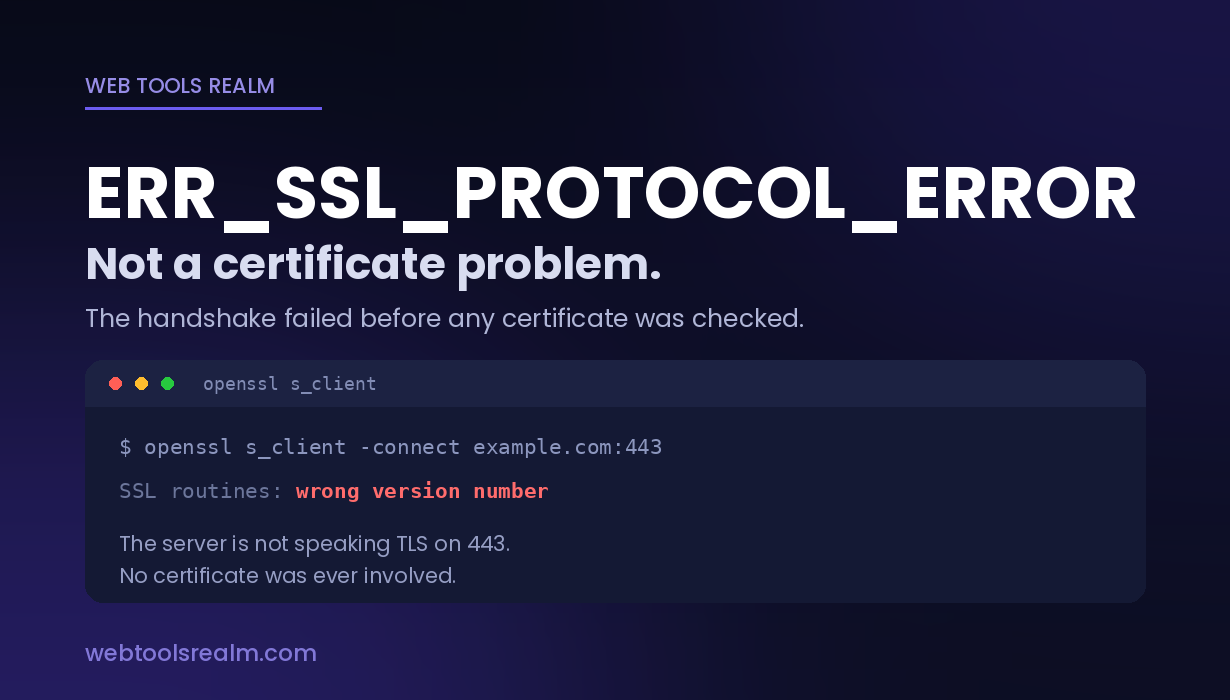
ERR_SSL_PROTOCOL_ERROR is not a certificate problem. The handshake failed before any certificate was checked. Here’s what causes it and how to find out which.
The most useful thing to know about this error is what it is not.
It is not a certificate problem. Expired certificates, name mismatches, untrusted issuers — those produce a different family of errors, all beginning with NET::ERR_CERT_, and all of them mean the handshake got far enough for the browser to examine a certificate and reject it.
ERR_SSL_PROTOCOL_ERROR means the connection never got that far. The two sides could not agree on how to speak TLS at all, so no certificate was ever evaluated.
That single distinction eliminates most of what people try first.
Where You Will See It
Chrome and Edge:
This site can't provide a secure connection
example.com sent an invalid response.
ERR_SSL_PROTOCOL_ERROR
Firefox words the same failure differently:
Secure Connection Failed
SSL_ERROR_RX_RECORD_TOO_LONG
curl:
curl: (35) error:0A00010B:SSL routines::wrong version number
OpenSSL:
140735...:error:1408F10B:SSL routines:ssl3_get_record:wrong version number
Those last two are worth memorising. Wrong version number almost always means one specific thing, and it is the first cause below.
What Actually Causes It
The server is not speaking TLS on that port
The most common cause, and the easiest to miss.
If a server is configured to serve plain HTTP on port 443, the browser opens a TLS handshake and receives an HTTP response instead. It has no idea what to do with that, so it reports a protocol error.
This is what wrong version number and SSL_ERROR_RX_RECORD_TOO_LONG are both telling you: the bytes that came back were not TLS at all.
Typical when a virtual host was set up on 443 without SSL enabled, when a reverse proxy forwards to a backend expecting HTTP, or when someone has just moved a site and the SSL configuration did not come with it.
TLS version mismatch
Browsers removed support for TLS 1.0 and 1.1 in 2020. A server that still offers only those protocols can no longer negotiate with any current browser.
The symptom is distinctive: the site works in an old browser, on an old phone, or from a tool that still permits legacy protocols, and fails everywhere modern. Nothing on the server changed — the browsers did.
The same happens in reverse on hardened servers configured for TLS 1.3 only, when something old tries to connect.
No shared cipher suite
The two sides support overlapping TLS versions but no common cipher. Chrome has its own error for this — ERR_SSL_VERSION_OR_CIPHER_MISMATCH — but a protocol error can surface for the same underlying reason depending on where negotiation breaks.
Usually a server configured with a deliberately restrictive cipher list, often copied from a hardening guide written years earlier.
SNI problems
Server Name Indication tells the server which hostname you want before the certificate is chosen, which is what lets one IP serve many HTTPS sites.
If the server has no virtual host matching the requested name and no sensible default, the handshake can fail outright rather than falling back to anything. Common on shared hosting where a domain was added to DNS before it was added to the web server.
Something is intercepting the connection
Antivirus products with HTTPS scanning (Kaspersky, ESET, Avast and others), corporate proxies, and some VPN clients insert themselves into TLS connections by design. When that interception is misconfigured, outdated, or hits a connection it cannot handle, the result is a protocol error.
The giveaway: the site fails on one machine and works on every other device on the same network.
Server configuration errors
A certificate and private key that do not match each other, a protocol directive with a typo, or a partially applied configuration reload will all break the handshake before a certificate is presented.
How to Diagnose It
Work through these in order. Each step removes a whole category.
1. Try another device on the same network.
Works elsewhere → the problem is on that one machine. Antivirus, a browser extension, or the browser’s own TLS state. Fails everywhere → the problem is the server.
This costs thirty seconds and splits the problem in half. Do it first.
2. Ask the server directly what it supports.
openssl s_client -connect example.com:443 -servername example.com
Read the reply:
- wrong version number → the server is not serving TLS on 443. Cause one
- A handshake that completes, showing a protocol and cipher → the server is fine, and your client is the problem
- No protocols available or an immediate close → version or cipher mismatch
3. Pin down which TLS versions work.
openssl s_client -tls1_2 -connect example.com:443 -servername example.com
openssl s_client -tls1_3 -connect example.com:443 -servername example.com
If 1.2 fails and 1.3 succeeds — or the reverse — you have found the mismatch, and the fix is in the server’s protocol configuration.
4. Confirm the port is actually open and serving.
If nothing answers at all, you do not have a TLS problem — you have a connectivity problem wearing a TLS error. An open port check on 443 settles that, and connection refused vs. connection timed out explains what each result means.
5. Check the certificate separately.
Once the handshake completes, the certificate becomes a separate question. An SSL checker shows the chain, the covered names and the expiry date from outside your network. If this returns a complete chain, your protocol error is not about the certificate at all — which was the point we started with.
How to Fix It
If it is only your machine:
Disable HTTPS scanning in your antivirus temporarily and retest. If the site loads, that was it — update the product or leave the feature off for that site rather than permanently.
Try an incognito window to rule out extensions. Clear the browser’s SSL state (chrome://net-internals/#hsts can also hold stale entries for a specific domain).
Test in a different browser. Chrome failing where Firefox works points to Chrome’s own state, not the server.
If it is the server:
Confirm SSL is actually enabled on the listening block for 443 — this resolves the wrong version number case outright.
Enable TLS 1.2 alongside 1.3. TLS 1.2 remains the practical baseline; serving only 1.3 excludes a meaningful share of clients, and serving only 1.0 or 1.1 excludes every current browser.
Review the cipher list. If it was copied from a hardening guide more than a couple of years old, it may exclude everything modern clients will accept.
Verify the certificate and private key are a matching pair, and that the configuration was actually reloaded after the last change.
How It Differs From the Other SSL Errors
ERR_SSL_PROTOCOL_ERROR — the handshake failed. No certificate was examined.
NET::ERR_CERT_DATE_INVALID, ERR_CERT_AUTHORITY_INVALID, ERR_CERT_COMMON_NAME_INVALID — the handshake succeeded, and a certificate was presented, then rejected. SSL certificate errors explained covers these.
ERR_SSL_VERSION_OR_CIPHER_MISMATCH — the same family as a protocol error, but Chrome has identified the specific reason. Treat it as a protocol error with a head start.
ERR_CONNECTION_RESET on port 443 — not TLS at all. Something closed the TCP connection before TLS began, usually a firewall.
The practical rule: a CERT error is about the certificate. Everything else is about whether a TLS conversation could happen in the first place.
Frequently Asked Questions
What does ERR_SSL_PROTOCOL_ERROR mean?
The browser and server could not complete a TLS handshake. They failed to agree on a protocol version or cipher, or the server did not respond with TLS at all. No certificate was checked, so it is not a certificate problem.
Is ERR_SSL_PROTOCOL_ERROR a certificate problem?
No. Certificate problems produce errors beginning NET::ERR_CERT_. A protocol error means the connection failed before any certificate was evaluated.
Why does the site work on my phone but not my laptop?
Almost always something on the laptop — antivirus HTTPS scanning, a browser extension, or stale TLS state. If one device on a network works, the server is answering correctly.
How do I know whether it is the server or my browser?
Run openssl s_client -connect example.com:443 -servername example.com. If the handshake completes there, the server is fine, and your client is the problem. If it returns a wrong version number, the server is not serving TLS on that port.
What does “wrong version number” mean in curl?
That the response was not TLS. Usually the server is serving plain HTTP on port 443, so the bytes coming back are an HTTP response where a TLS record was expected.
Can an expired certificate cause this?
No. An expired certificate produces NET::ERR_CERT_DATE_INVALID, and the browser shows a bypass option. A protocol error has no bypass, because there is nothing to bypass — no secure channel was ever established.
The Short Version
This is a handshake failure, not a certificate failure, which is why reissuing the certificate never helps. Test another device first: if the site works there, the fault is on your machine — usually antivirus HTTPS scanning. If it fails everywhere, run openssl s_client; a wrong version number means the server is serving plain HTTP on 443, and a handshake that completes means the server is fine and your client is not.
Contact
Missing something?
Feel free to request missing tools or give some feedback using our contact form.
Contact Us