24
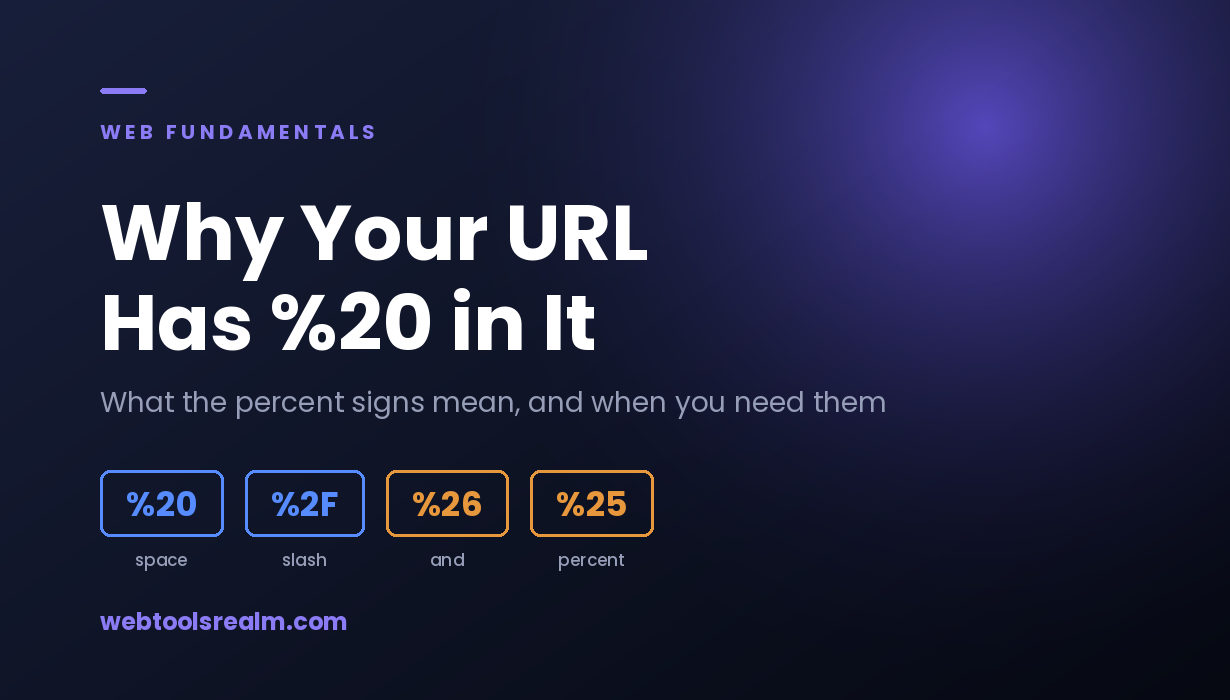
Why Your URL Has %20 in It: Percent-Encoding Explained
Spaces become %20, slashes become %2F, and sometimes a plus sign appears instead. Here is what percent-encoding does, when you need it, and how to tell a broken URL from a correctly encoded one.
You paste a link into a chat window and it arrives looking like this:
https://example.com/my%20report%20final.pdf
The file is called "my report final.pdf". Somewhere between your clipboard and the address bar, every space turned into %20. Nothing is broken — that is percent-encoding doing exactly what it is supposed to do.
What Percent-Encoding Actually Does
A URL is allowed to contain a limited set of characters: letters, digits, and a handful of symbols. Everything else has to be represented indirectly.
Percent-encoding is that representation. Each disallowed character is replaced by a percent sign followed by its byte value in hexadecimal. A space is byte 32, which is 20 in hex, so a space becomes %20. A forward slash is byte 47, or 2F in hex, so it becomes %2F when it appears inside a value rather than as a path separator.
This matters because URLs are parsed by machines that use certain characters as structure. A ? starts the query string. An & separates parameters. A # starts the fragment. If one of those characters appears inside a value, it has to be encoded, or the parser will read it as structure and split the URL in the wrong place.
Reserved Characters and Why They Need Encoding
Some characters carry meaning in a URL. When they appear as data rather than as structure, they must be encoded:
CharacterEncodedMeaning in a URLspace | %20 | Not allowed at all
/ | %2F | Path separator
? | %3F | Starts the query string
# | %23 | Starts the fragment
& | %26 | Separates query parameters
= | %3D | Separates parameter name and value
+ | %2B | Means a space in query strings
% | %25 | Starts an encoded sequence
The last one causes the most confusion. Because % starts an escape sequence, a literal percent sign has to be written as %25. A discount code like SAVE20% becomes SAVE20%25 in a URL.
If you want to see this in practice, paste any of these characters into our URL encoder and watch what comes back.
Why Some URLs Use + Instead of %20
You will see both, and the difference is not arbitrary.
In the path portion of a URL, a space is always %20. In a query string submitted by an HTML form, a space is traditionally encoded as +. This comes from the application/x-www-form-urlencoded format, which predates the modern URL specification and is still what browsers use when submitting forms.
So this is a form submission:
https://example.com/search?q=web+tools
And this is the same search written with standard percent-encoding:
https://example.com/search?q=web%20tools
Both usually work, because most servers accept either. The problem appears when a plus sign is meant literally. If someone searches for C++, encoding it as C++ will be read as "C " with two spaces. It has to be C%2B%2B.
When You Actually Need to Encode Something
Most of the time the browser handles this for you. You need to think about it when:
- You are building a URL in code and inserting a value you did not write yourself — a filename, a search term, a name from a database
- You are constructing a tracking or campaign link where the destination URL sits inside a parameter
- You are writing a redirect rule and the target path contains spaces or special characters
- You are testing an API endpoint by hand, and a parameter value contains a reserved character
- You are debugging a link that works for you but breaks for someone else
That second case is worth expanding on. A link like this puts a whole URL inside a parameter:
https://example.com/out?url=https%3A%2F%2Fdestination.com%2Fpage%3Fid%3D5
If the inner URL is not encoded, its ? and & merge with the outer URL's query string, and the destination is lost. The URL decoder reverses this when you need to read where a tracking link actually points.
Double Encoding: The Most Common Mistake
This is the error that produces the strangest-looking URLs:
https://example.com/my%2520report.pdf
Read it carefully. %25 is an encoded percent sign, followed by 20. So %2520 decodes to %20, which decodes again to a space. The value was encoded twice.
It happens when code encodes a value that was already encoded — usually because a URL passes through two layers that each apply encoding, or because a developer encodes defensively without checking whether the input was already safe.
The symptom is a 404 for a file you know exists. The server receives a request for a file literally named my%20report.pdf with a percent sign in the name, and there is no such file. If you are not sure whether the server is returning a 404 or something else entirely, an HTTP status code check settles it in one request, and our guide to what each status code means covers anything unexpected that comes back.
If you suspect double encoding, decode the URL once and look at the result. If it still contains percent sequences, it was encoded more than once.
Encoding in Redirect Rules
Redirect rules are where encoding problems become permanent rather than momentary.
A rule written against an unencoded path will not match an encoded request, and the reverse is also true. If the old URL contained a space, visitors and crawlers arrive asking for the encoded form, and a rule matching the plain form never fires. The redirect silently does nothing and the old URL returns a 404.
After writing any rule involving encoded characters, check the old URL rather than the new one. Our redirect checker shows every hop with its status code, so you can confirm the rule fires at all and returns the code you intended. Whether that code should be a 301 or a 302 is a separate decision with real consequences.
Reading an Encoded URL
Encoded URLs are hard to scan visually, and that is a security consideration as much as a convenience one. A link can be encoded specifically to obscure where it goes.
Two habits help:
Decode before you trust. If a link is heavily encoded and you did not create it, decode it and read the plain version before clicking. This is especially true for links that arrive by email or message. Shortened links hide the destination completely, which is what the URL unshortener is for.
Check the destination separately. Decoding shows you what the URL says; it does not tell you what the server does with it. A decoded URL can still redirect elsewhere, and the response headers will show you the actual Location value the server sends back.
What Encoding Does Not Do
Percent-encoding is not encryption and not obfuscation in any meaningful sense. Anyone can decode it instantly. Putting a token or a key in a URL and encoding it protects nothing — the value is still readable, still logged by every server and proxy it passes through, and still stored in browser history.
It also does not validate anything. Encoding a malformed URL produces a correctly encoded malformed URL. If a link does not work after encoding, the problem is usually the URL itself, not the encoding.
Frequently Asked Questions
What does %20 mean in a URL?
It is an encoded space. URLs cannot contain literal spaces, so each one is replaced by %20. Seeing it in a link is normal and does not indicate a problem.
Why do some URLs use + for spaces and others use %20?
+ comes from HTML form submissions and appears in query strings. %20 is the standard percent-encoding and works everywhere, including in the path. Both are usually accepted in query strings, but only %20 is correct in a path.
Should I encode the whole URL or just parts of it?
Only the parts that are data. Encoding an entire URL turns its :// and / separators into %3A%2F%2F and %2F, which breaks it. Encode individual parameter values, not the structure around them.
Why does my URL show %2520?
It was encoded twice. %25 is an encoded percent sign, so %2520 is an encoded %20. Decode it once and check whether the result still contains percent sequences.
Do I need to encode non-English characters?
Yes. Characters outside ASCII are encoded as their UTF-8 bytes, which is why a single accented letter can become several percent sequences. É becomes %C3%A9.
Does percent-encoding affect SEO?
Not directly, as long as it is consistent. Problems come from the same page being reachable at both an encoded and an unencoded URL, which creates duplicate versions competing with each other. Pick one form, use it everywhere, and set the canonical accordingly.
The Short Version
Percent-encoding replaces characters that a URL cannot contain, or that would otherwise be read as structure, with a % followed by their hex value. Encode values, not the URL around them, and never encode something twice.
When a link with percent sequences is not behaving, decode it once and read what it actually says — the answer is usually visible immediately.
Written by Baleeghuddin Shaikh, SEO consultant with 8 years of experience in technical SEO and site diagnostics.
Contact
Missing something?
Feel free to request missing tools or give some feedback using our contact form.
Contact Us