02
DNS Errors Explained: NXDOMAIN, SERVFAIL and What Your Browser Is Telling You
A domain that will not resolve produces several different errors, and each one points somewhere specific. Here is what NXDOMAIN, SERVFAIL, and Chrome's DNS_PROBE messages actually mean, and which end of the connection to fix.
A domain either resolves or it does not, and when it does not, the browser produces a message that sounds like a verdict: this site cannot be reached.
It is not a verdict. It is the end of a chain of questions that failed somewhere specific, and the error code tells you where. The difference between two of the most common ones — NXDOMAIN and SERVFAIL — is the difference between "your records are wrong" and "nobody could reach your records," and those are entirely separate afternoons of work.
What Actually Happens Before the Error
When you type a domain, your device asks a resolver — usually your ISP's, or one you configured. That resolver asks the root servers which nameservers are responsible for the domain, asks those nameservers for the record, and hands the answer back.
Four things can go wrong along the way. The name genuinely does not exist. The name exists but has no record of the type being asked for. The nameservers could not be reached or returned something invalid. Or your own device never got as far as asking.
Every DNS error is one of those four, dressed differently depending on which piece of software is reporting it.
NXDOMAIN
This is a definitive answer, not a failure. The authoritative nameserver was reached; it was asked about the name, and it said the name does not exist.
That matters because it narrows the problem sharply. The DNS infrastructure worked. The delegation worked. Someone answered. The answer was no.
Three causes account for most of them: the domain was never registered or has expired; the record was deleted or never created; or the name is misspelt, including the invisible kind of misspelling where a trailing character crept into a config file.
A domain that has expired will often return NXDOMAIN while still appearing in your registrar account, because the registry has pulled it from the zone. Checking the WHOIS record will show the expiry date and the current status.
SERVFAIL
The resolver tried and could not complete the lookup. Unlike NXDOMAIN, this is not an answer — it is an admission of failure, and the causes are completely different.
DNSSEC validation failed. This is the most common cause and the least obvious. If a domain is signed and the signatures do not validate — an expired signature, a key rotated without updating the DS record at the registrar — validating resolvers refuse to return the answer at all. The records are perfectly fine; the resolver will not trust them.
The authoritative nameservers are unreachable. They are down, firewalled, or the delegation points at hostnames that no longer exist.
Lame delegation. The parent zone names a server as authoritative, but that server does not consider itself authoritative for the domain. This happens after a nameserver change where one side was updated, and the other was not.
SERVFAIL is the error most likely to produce the maddening pattern where a site works for some people and not others — because whether you see it depends on whether your particular resolver validates DNSSEC and how aggressively it caches failures.
The Distinction That Decides Where You Look
These two errors send you to opposite ends of the system, and confusing them wastes more time than any other DNS mistake I see.
NXDOMAIN means your records are the problem. Something answered. Go and look at the zone — the record is missing, deleted, or named differently than you think.
SERVFAIL means the path to your records is the problem. Nothing usable came back. Go and look at the delegation, the nameservers themselves, and DNSSEC. The zone file may be flawless.
The practical test: query the domain's own authoritative nameservers directly rather than through a public resolver. If they answer correctly but public resolvers return SERVFAIL, the fault is in the delegation or the DNSSEC chain, not in the records. A DNS lookup against public resolvers shows what the rest of the internet is actually receiving.
NOERROR With No Answer
This one is not an error at all, which is exactly why it confuses.
A nameserver can respond NOERROR — meaning the name exists — while returning no records, because the specific record type being asked for is not there. The domain exists. It has MX records, perhaps TXT records. It simply has no A record.
To a browser, the result looks identical to a missing domain. To anyone reading the DNS response, it is a completely different situation: the zone is live and working, and one record type is absent.
This is the state a domain lands in when someone deletes an A record during a migration and only the website breaks while email keeps flowing normally. If mail is arriving but the site will not load, this is the first thing to check — and our guide to email delivery problems covers the reverse case, where web traffic is fine, and mail is not.
DNS_PROBE_FINISHED_NXDOMAIN
Chrome's wrapper around the NXDOMAIN response above. The browser attempted the lookup, received a definitive "no such name," and stopped.
The one thing worth ruling out before treating this as a server-side problem: your own cache. If the domain resolved recently and you have just changed something, your operating system or router may still be holding the old negative answer. Negative responses are cached too, and in some configurations for longer than you would expect.
Try the domain on a different network — mobile data is the quickest test. If it resolves there, the problem is local caching rather than the zone.
ERR_NAME_NOT_RESOLVED
Chrome's more general resolution failure. It covers cases that did not produce a clean NXDOMAIN — a resolver that timed out, a malformed response, or a lookup that failed for reasons the browser could not categorise.
In practice, this one usually means your resolver is the problem rather than the domain. Switching to a public resolver temporarily is the fastest way to find out: if the site loads on a different resolver, the domain is fine, and your usual one is failing.
DNS_PROBE_FINISHED_BAD_CONFIG
The DNS configuration on your own machine or network is broken. Nothing to do with the site.
Common causes: a VPN that set DNS servers and did not clean up after disconnecting, a router pointing at a resolver that no longer responds, or manually configured DNS entries that are no longer valid.
If this appears for every site rather than one, it is definitely local.
DNS_PROBE_FINISHED_NO_INTERNET
The device has no working connection at all. DNS is simply the first thing that failed, so it gets the blame.
Check connectivity before anything else — this error never indicates a problem with the domain.
This site can't be reached — server IP address could not be found
The plain-language version Chrome shows above the error code. It describes any failure to turn the name into an address, so it appears alongside several of the codes above.
The useful part is underneath. Expand the details and read the code — that is where the actual information is.
When the Domain Resolves But Nothing Loads
Worth separating, because the symptoms overlap and the fix does not.
If DNS returns an address and the page still will not load, DNS has done its job. The record may be pointing at a server that is switched off, or the server may be refusing connections. Checking whether the site responds separates a DNS problem from a hosting problem, and a ping test confirms whether anything answers at that address at all.
A valid A record pointing at a dead server produces no DNS error whatsoever. The lookup succeeds perfectly.
Frequently Asked Questions
How do I clear my DNS cache?
On Windows, run ipconfig /flushdns in Command Prompt. On macOS, sudo dscacheutil -flushcache; sudo killall -HUP mDNSResponder. Chrome also keeps its own cache, clearable at chrome://net-internals/#dns. Your router and your ISP's resolver have caches you cannot clear, which is why some changes take longer than others.
Why does the site work on my phone but not my laptop?
They are almost certainly using different resolvers — mobile data uses your carrier's, your laptop uses your home router's. One has cached an old answer, or one validates DNSSEC, and the other does not. Both are local conditions, not site problems.
Is NXDOMAIN always my fault?
Not necessarily yours, but it is always on the authoritative side. Something with authority over that name said it does not exist. If the domain is yours, check the zone and the registration status. If it is not yours, the domain may simply have lapsed.
Can a DNSSEC problem take my site offline?
Yes, completely, for anyone using a validating resolver — which is an increasing share of them. An expired signature or a DS record that no longer matches the published key produces SERVFAIL, and no amount of correct records in the zone will help until the chain validates again.
Why does switching to a public resolver fix the problem?
Because the fault was in the resolver you were using, not the domain. It had cached a bad answer, lost its upstream connection, or failed validation. If switching resolvers fixes it for you, it will still be broken for everyone using the original one.
How long does a deleted DNS record keep resolving?
Up to the TTL that was set on it before deletion. A record with a 24-hour TTL can keep being served by resolvers that cached it for a full day after you remove it. Lowering the TTL in advance is the standard way to shorten this — our guide to DNS propagation covers the timing in detail.
The Short Version
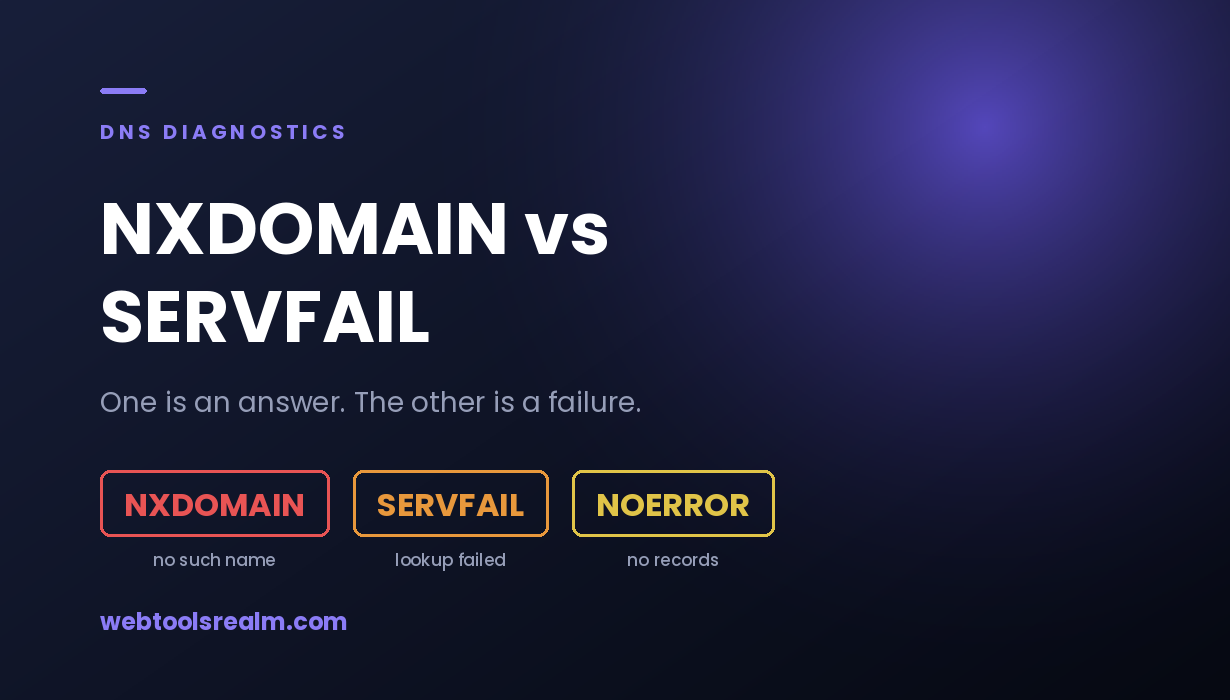
NXDOMAIN is an answer: the nameserver was reached and said the name does not exist. Look at your records. SERVFAIL is a failure: nothing usable came back. Look at your delegation, your nameservers, and DNSSEC.
Chrome's DNS_PROBE_* messages are wrappers around those same conditions, with one exception — BAD_CONFIG and NO_INTERNET are about your own machine and have nothing to do with the domain.
Before changing anything in a zone file, check the domain from a different network. A surprising share of DNS errors are a cached answer on one device, and they resolve themselves without anyone touching a record.
Written by Baleeghuddin Shaikh, SEO consultant with 8 years of experience in technical SEO and site diagnostics.
Contact
Missing something?
Feel free to request missing tools or give some feedback using our contact form.
Contact Us